Takes two minutes
Put it on your phone.
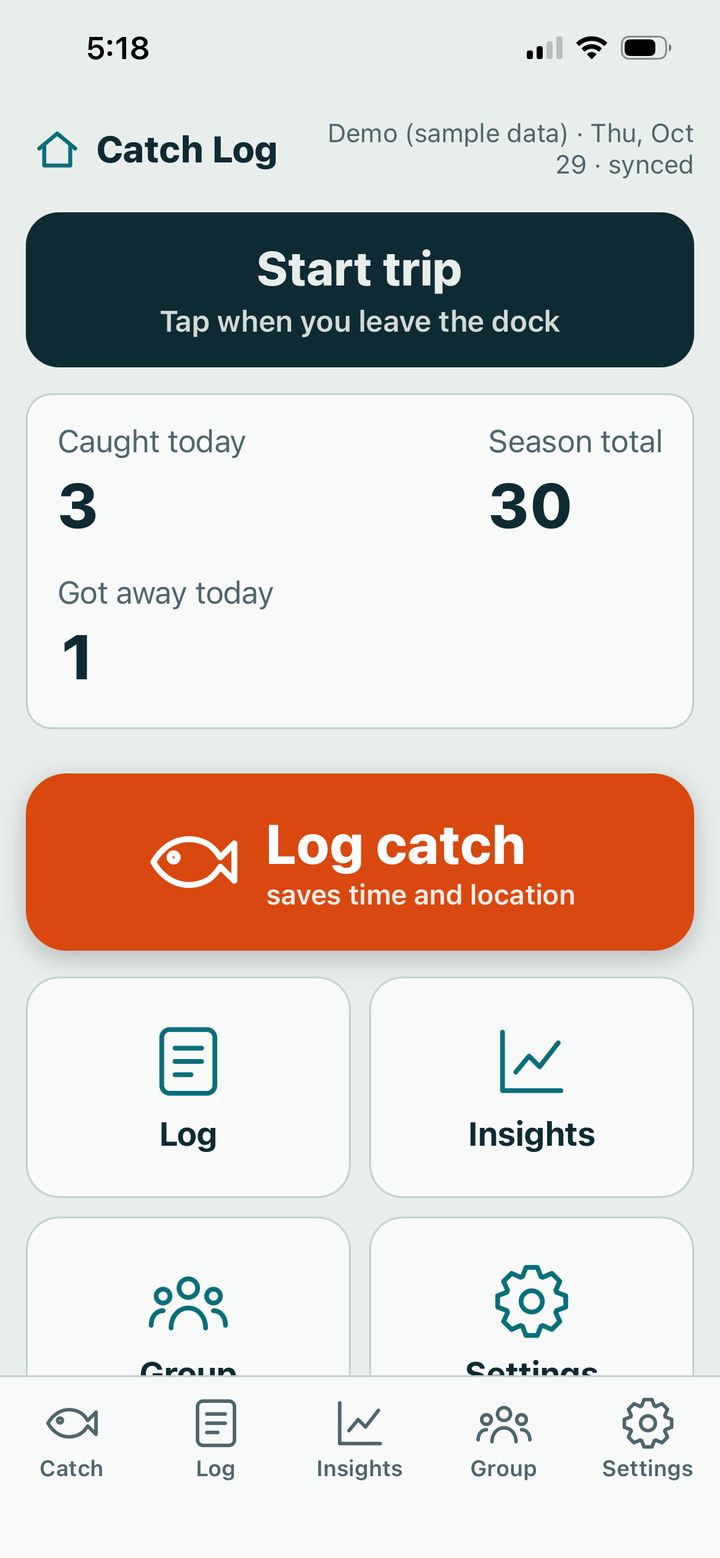
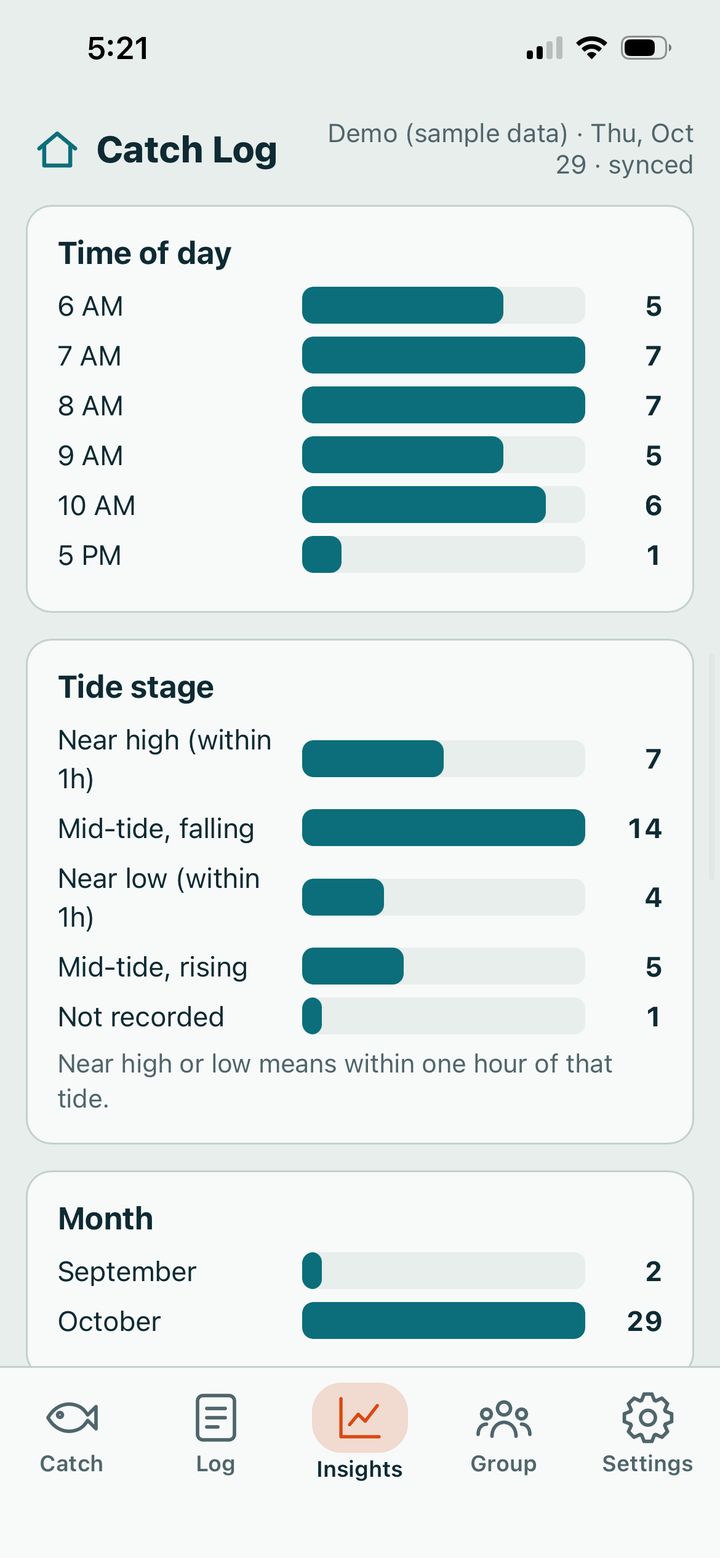
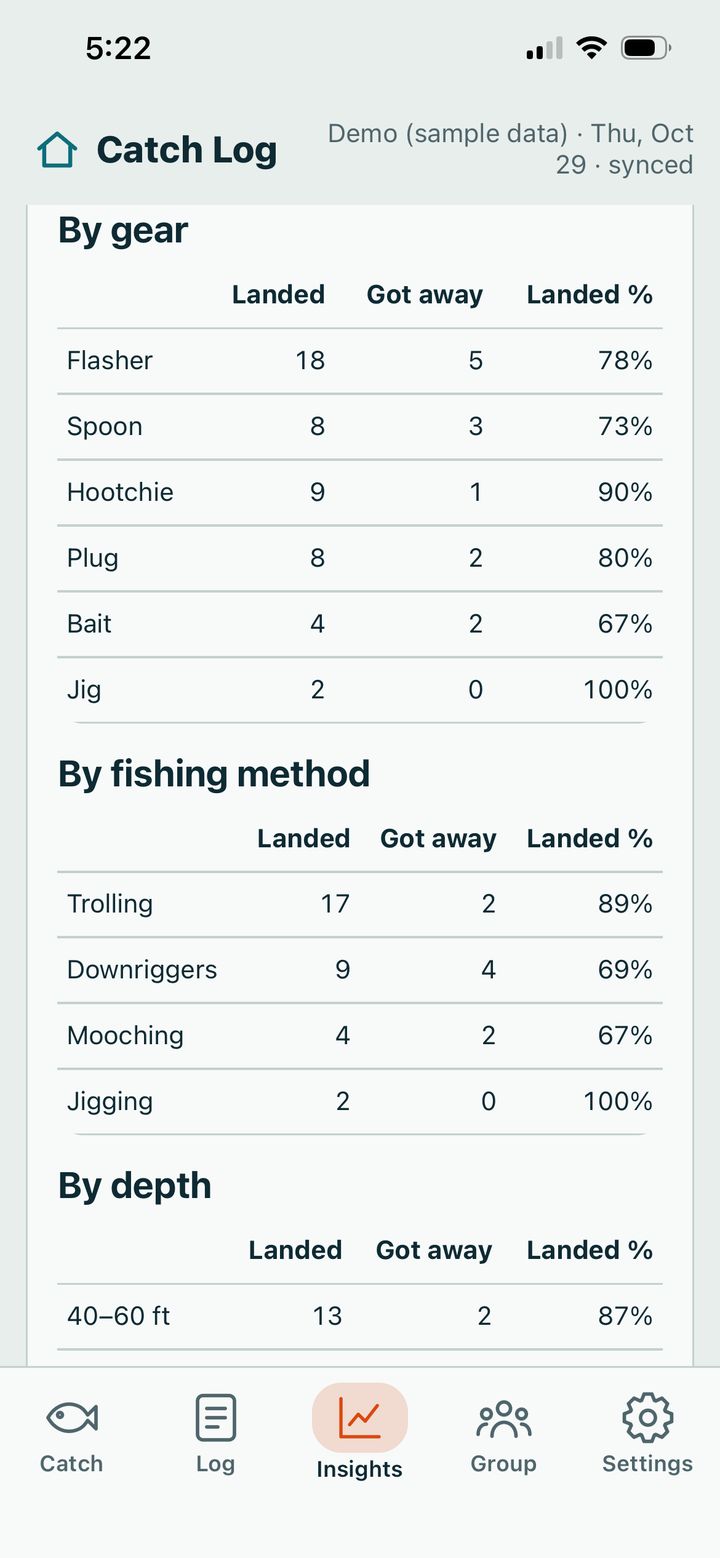
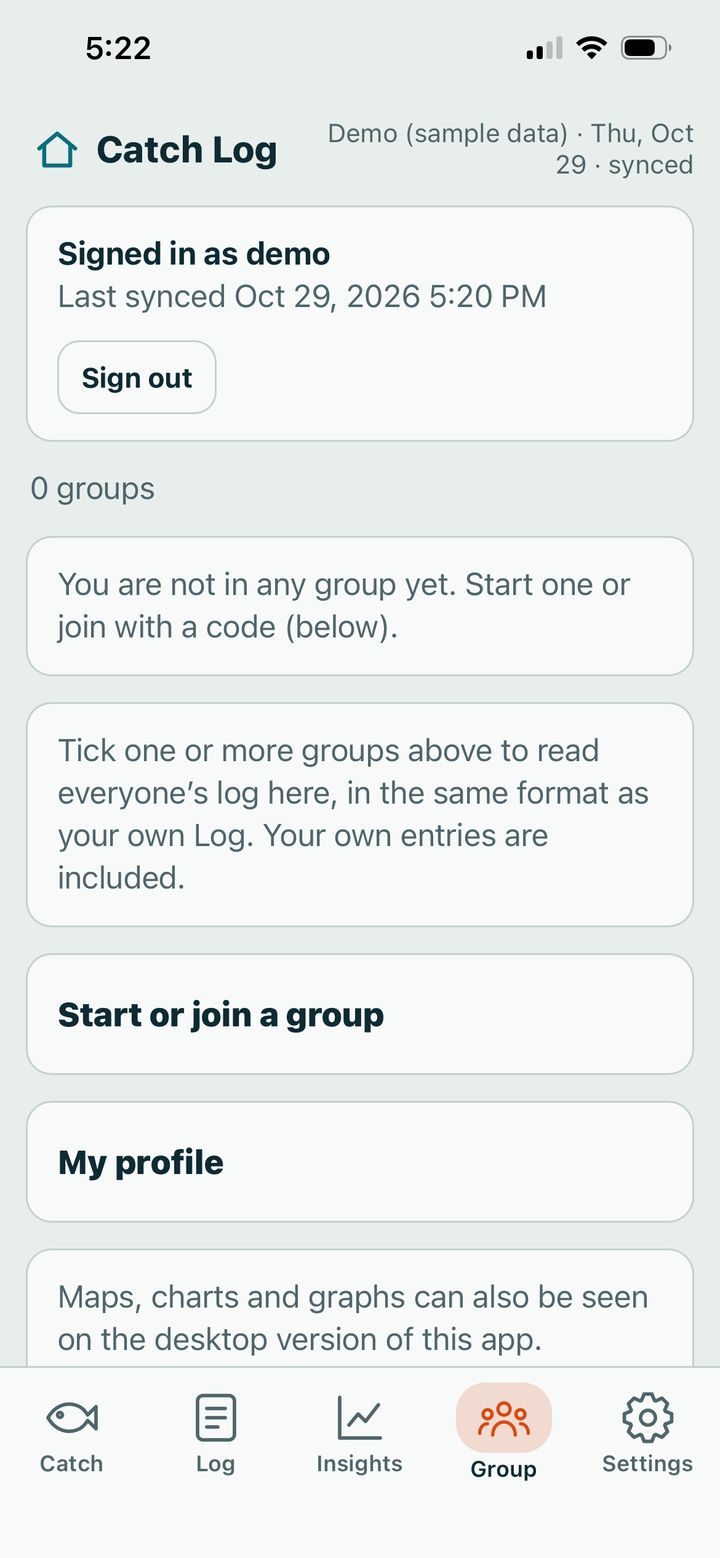
Catch Log is not in an app store. You add it to your home screen from your browser, and it then works like an app.
iPhone
- Open Safari. It must be Safari.
- Go to catchlog.tightlinesbook.net (or scan the square).
- Tap Share, the square with an arrow up.
- Tap Add to Home Screen, then Add.
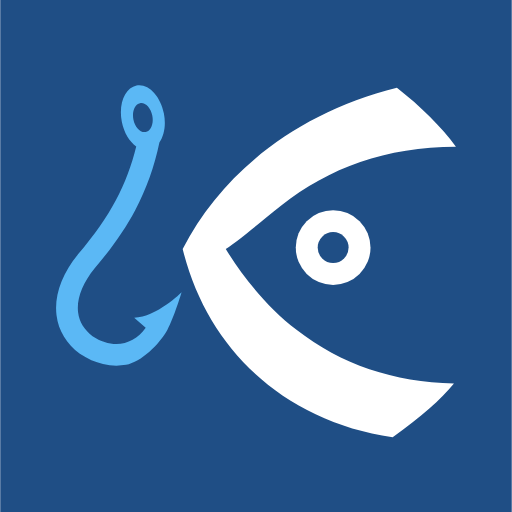
- Open Catch Log from the new fish-and-hook icon.
Android
- Open Chrome.
- Go to catchlog.tightlinesbook.net (or scan the square).
- Tap the three dots at the top right.
- Tap Install app (or Add to Home screen), then Install.
- Open Catch Log from the new icon.
Scan me
Point your phone camera here and tap the banner.
Catch Log uses your location to pull GPS coordinates for every catch and load the appropriate tide tables. If you don’t allow location, these features will not work. If your phone asks, tap Allow.